01
Everyday Elegance
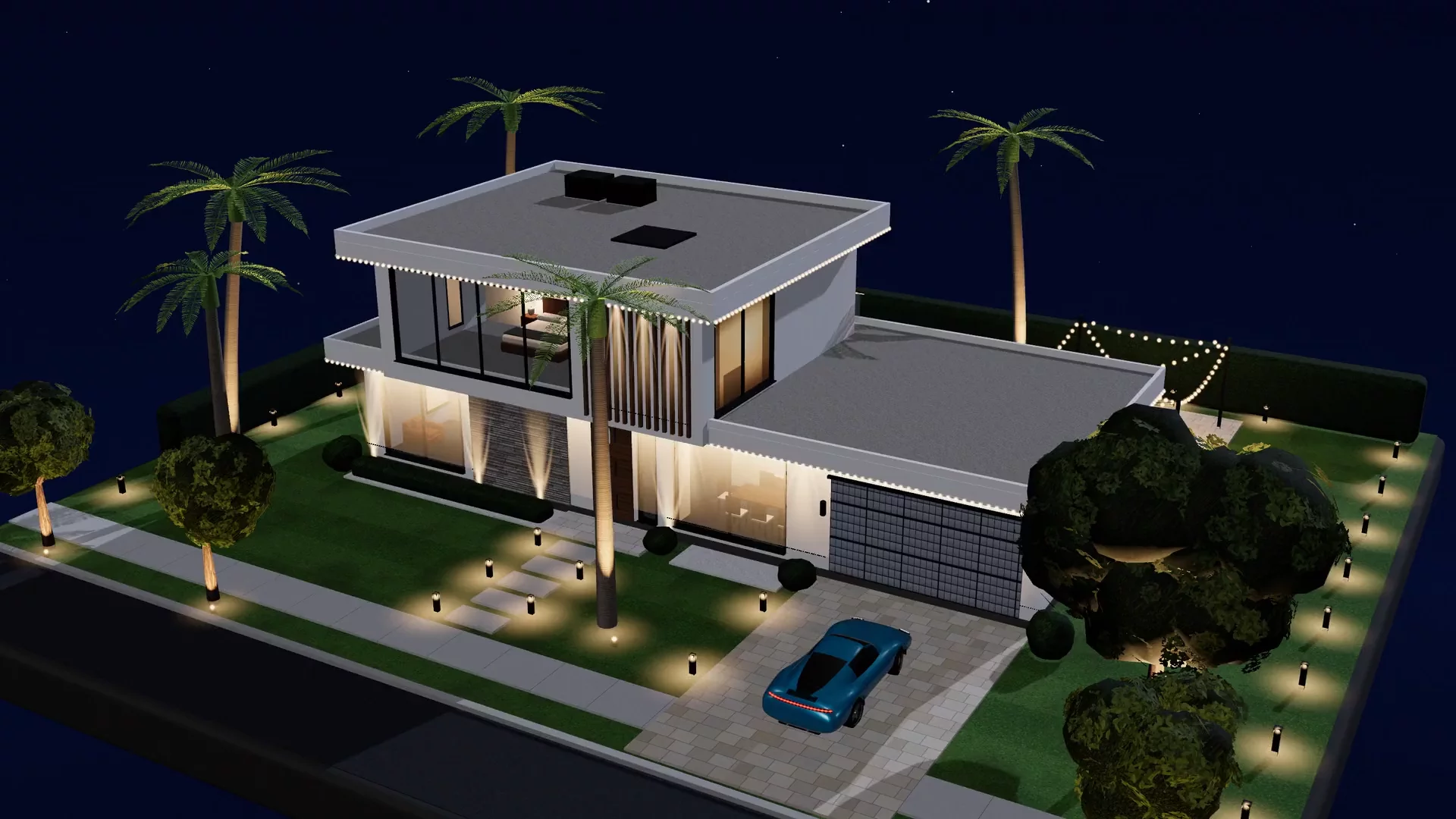
Warm architectural white that brings out the natural character of your home.

Proudly serving South Florida and Central New Jersey.
Permanent outdoor lighting, thoughtfully designed for life after dark.
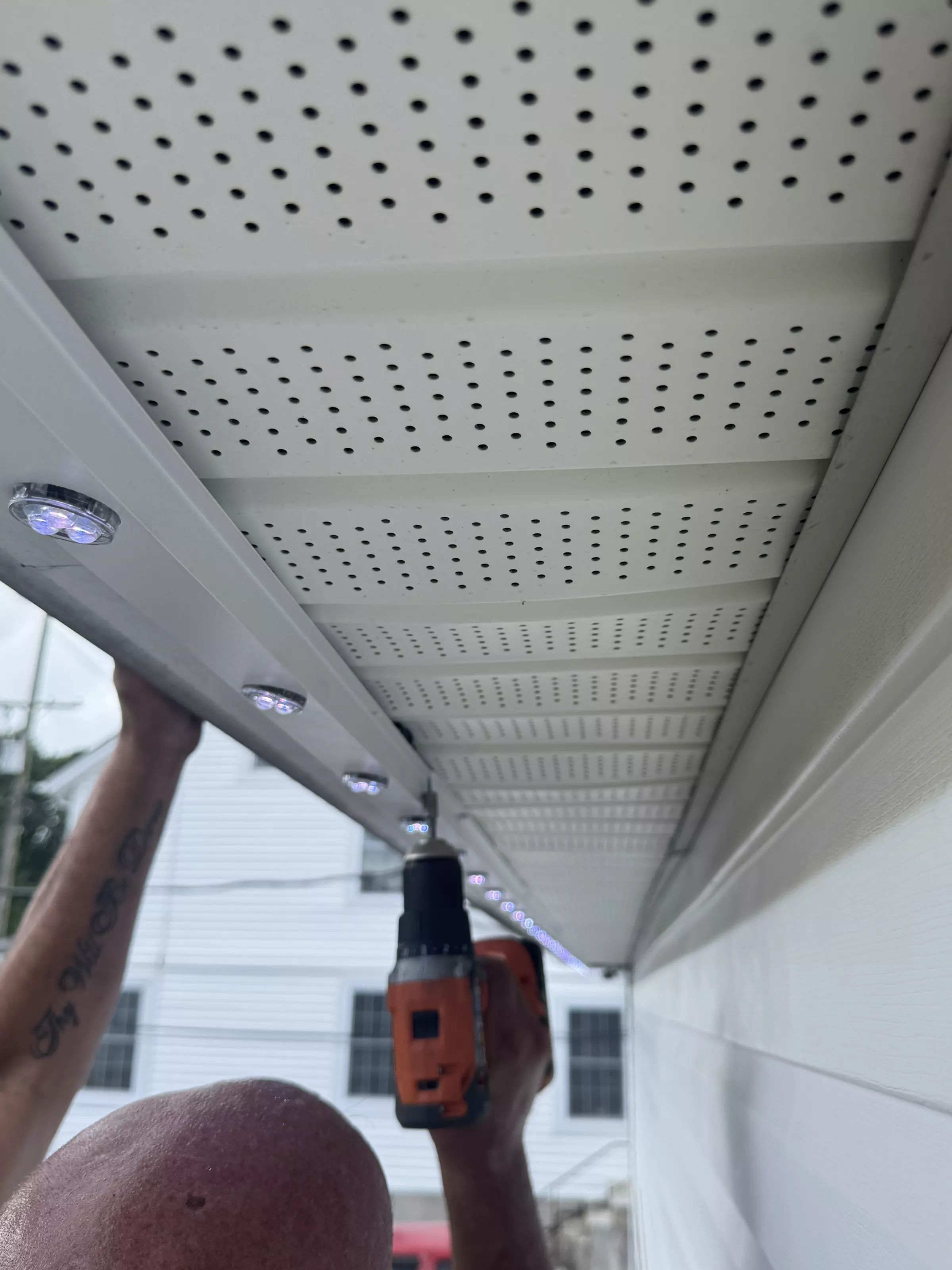
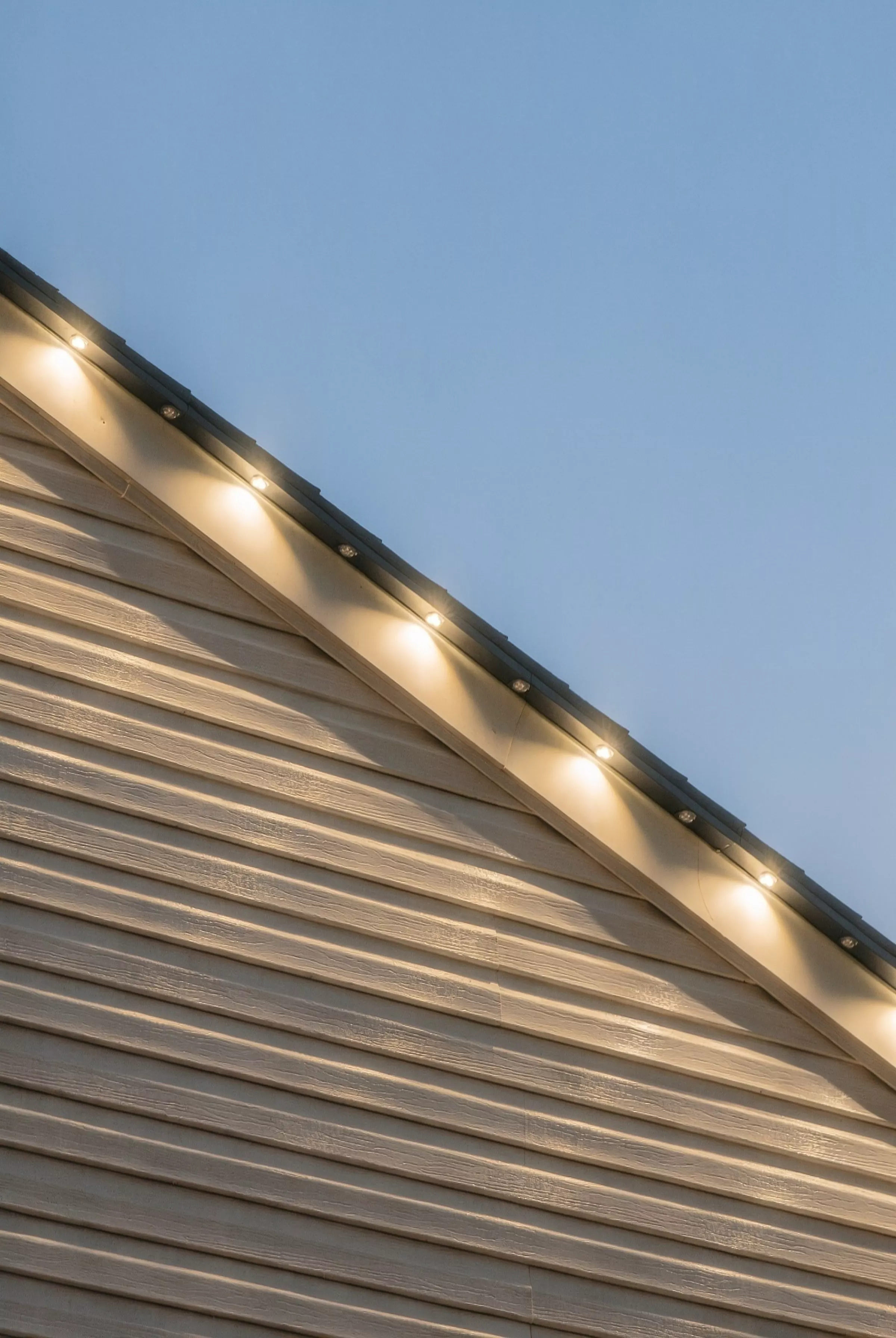
Schedule your design consultation →Low-profile, color-matched aluminum tracks are carefully integrated along your home's architecture for a clean, considered appearance.
Warm white lighting brings out the character of your home, creating a welcoming atmosphere that feels natural every evening.
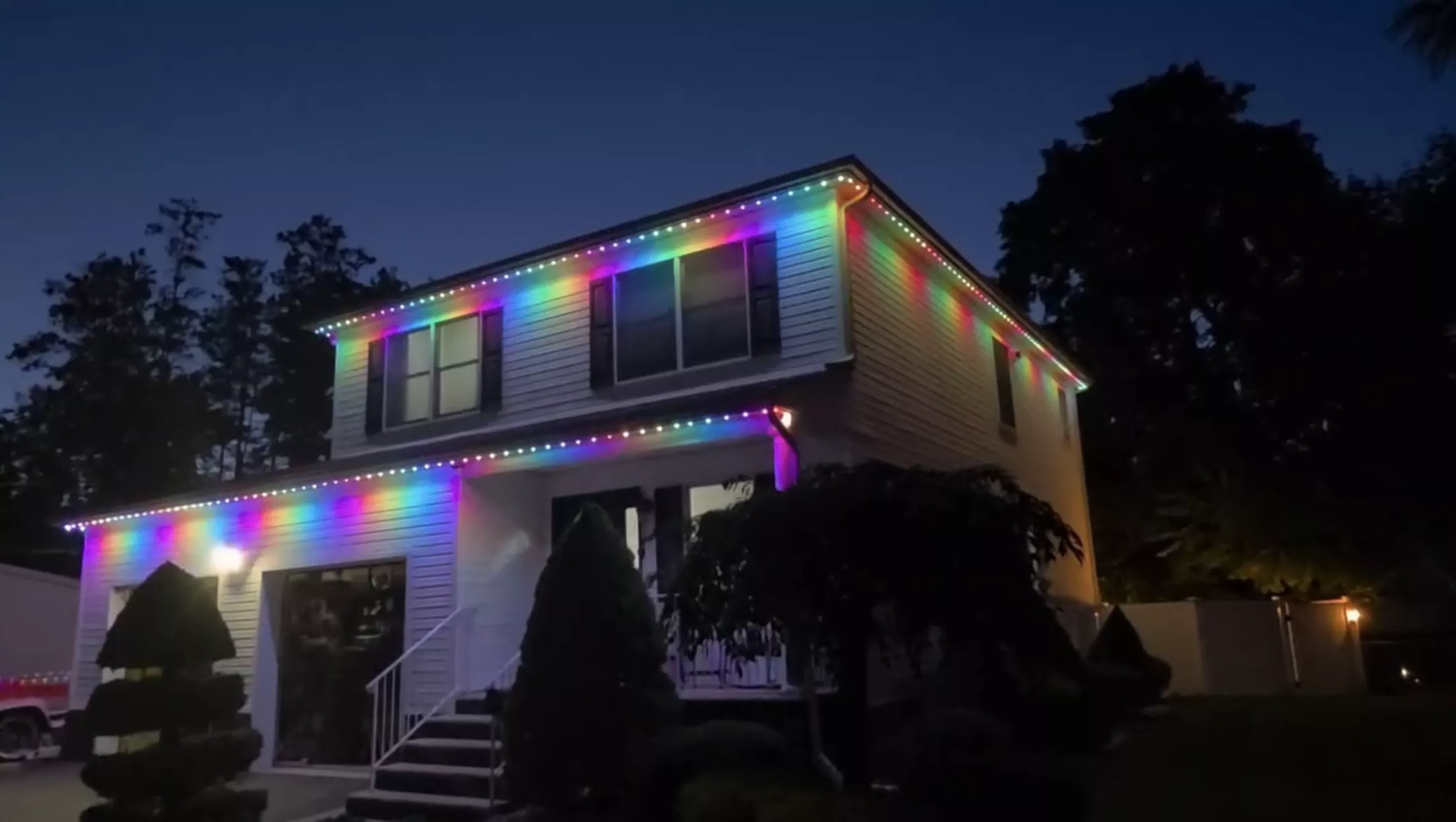
From holiday traditions to backyard celebrations, change the mood with programmable colors and scenes.
More than lighting.
There's something about coming home to a house that feels warm and welcoming. The lights are on. The evening slows down. And the places you love spending time feel a little more inviting.
At Epic Light, we design permanent exterior lighting that becomes part of your home's architecture — discreet during the day, beautiful after dark, and ready for every season.
A little more warmth. A lot more reasons to stay awhile.
Installed once. Ready for every night.
Some of the best moments happen when the day is winding down. Coming home after a long afternoon. Dinner outside. Friends gathered on the patio. A familiar glow welcoming you back.
Warm architectural white that brings out the natural character of your home.
Your favorite colors for holidays, special occasions, and evenings worth celebrating. No more putting lights up and taking them down.
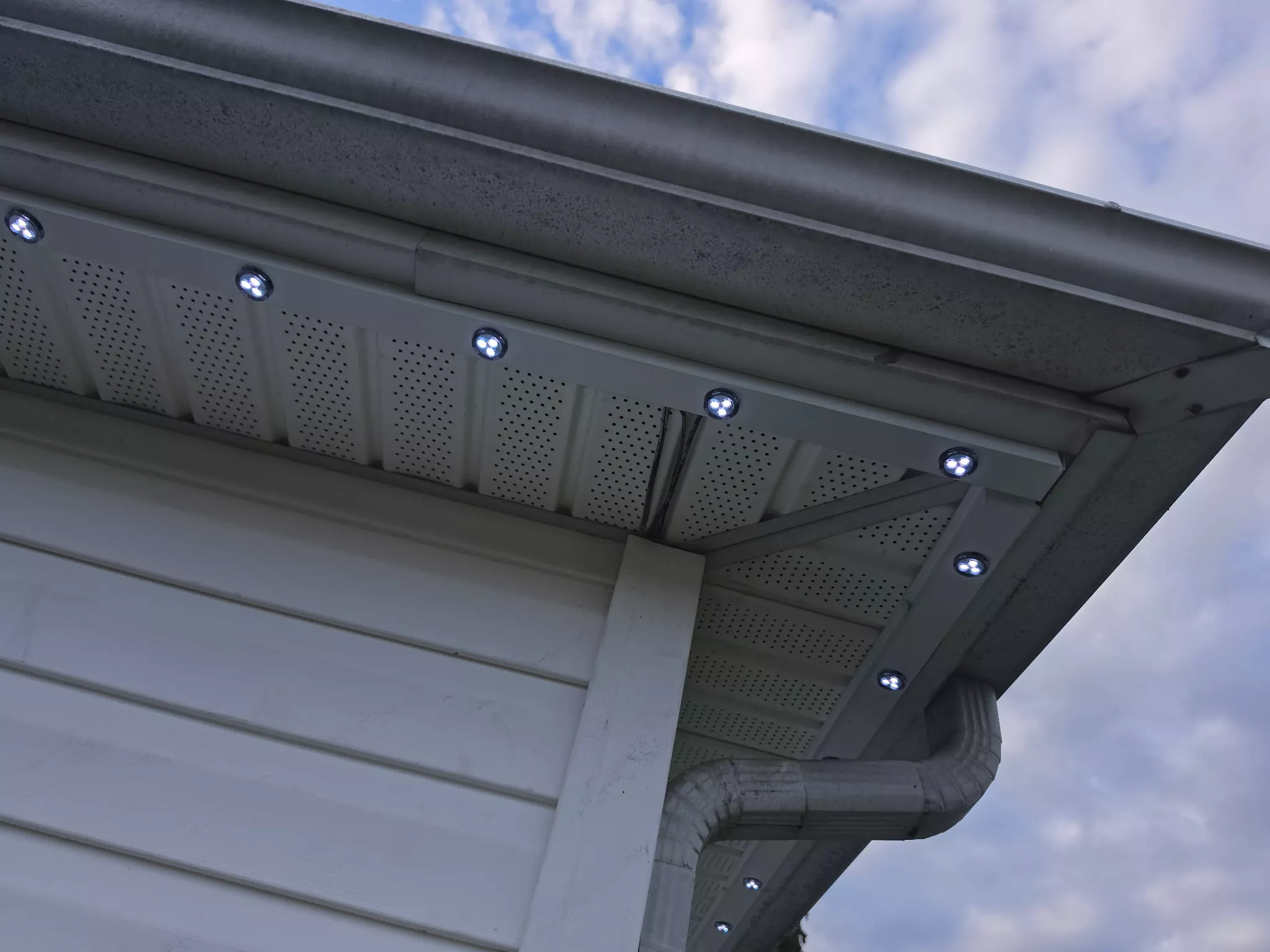
Low-profile, color-matched tracks and carefully planned installations that complement your home, rather than compete with it.
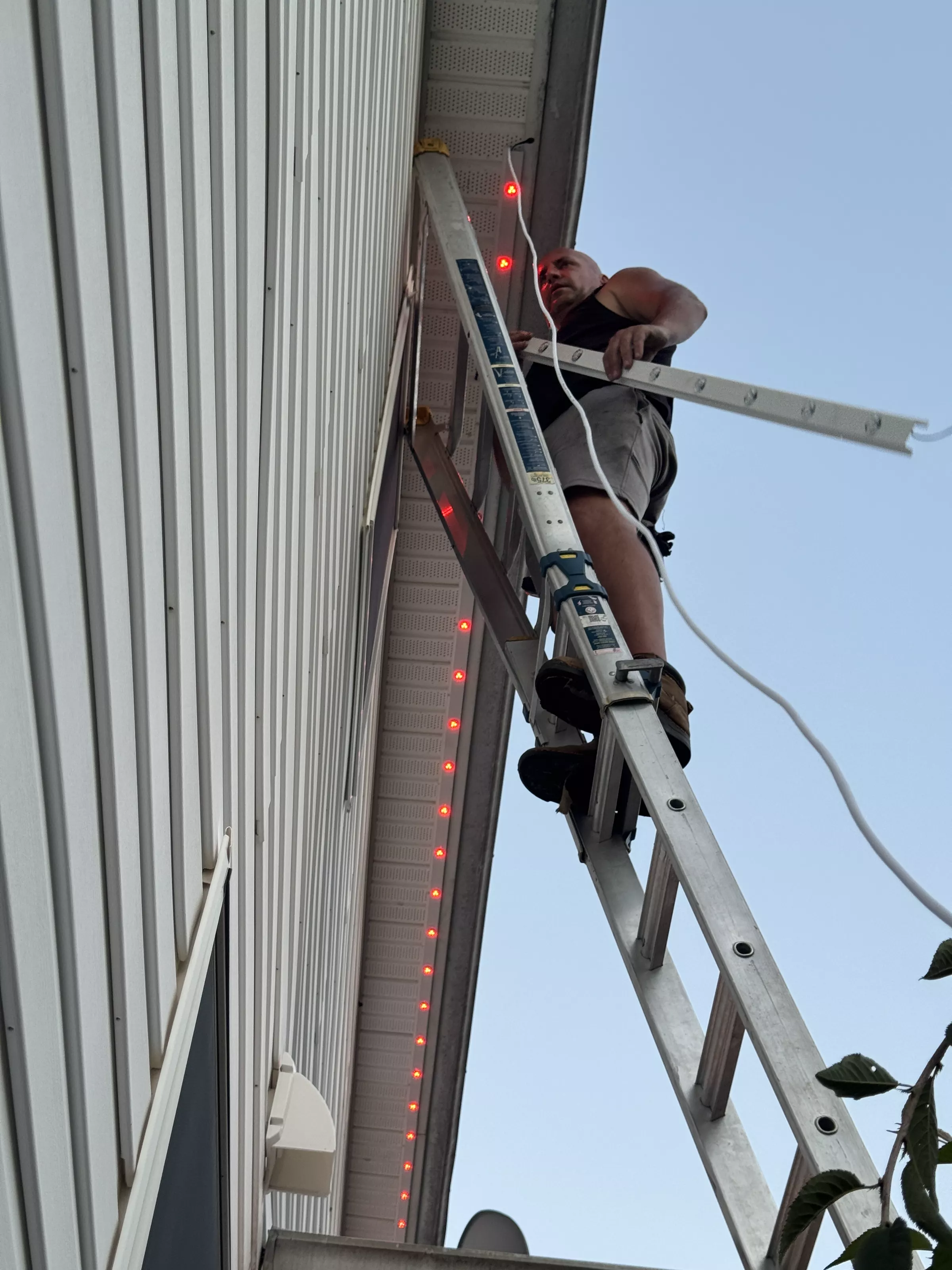
Professional installation backed by Epic Care, including a 5-year labor and workmanship warranty and a 25-year manufacturer warranty on materials.
Beautiful evenings begin here.
Permanent architectural lighting designed for the moments that happen at home.
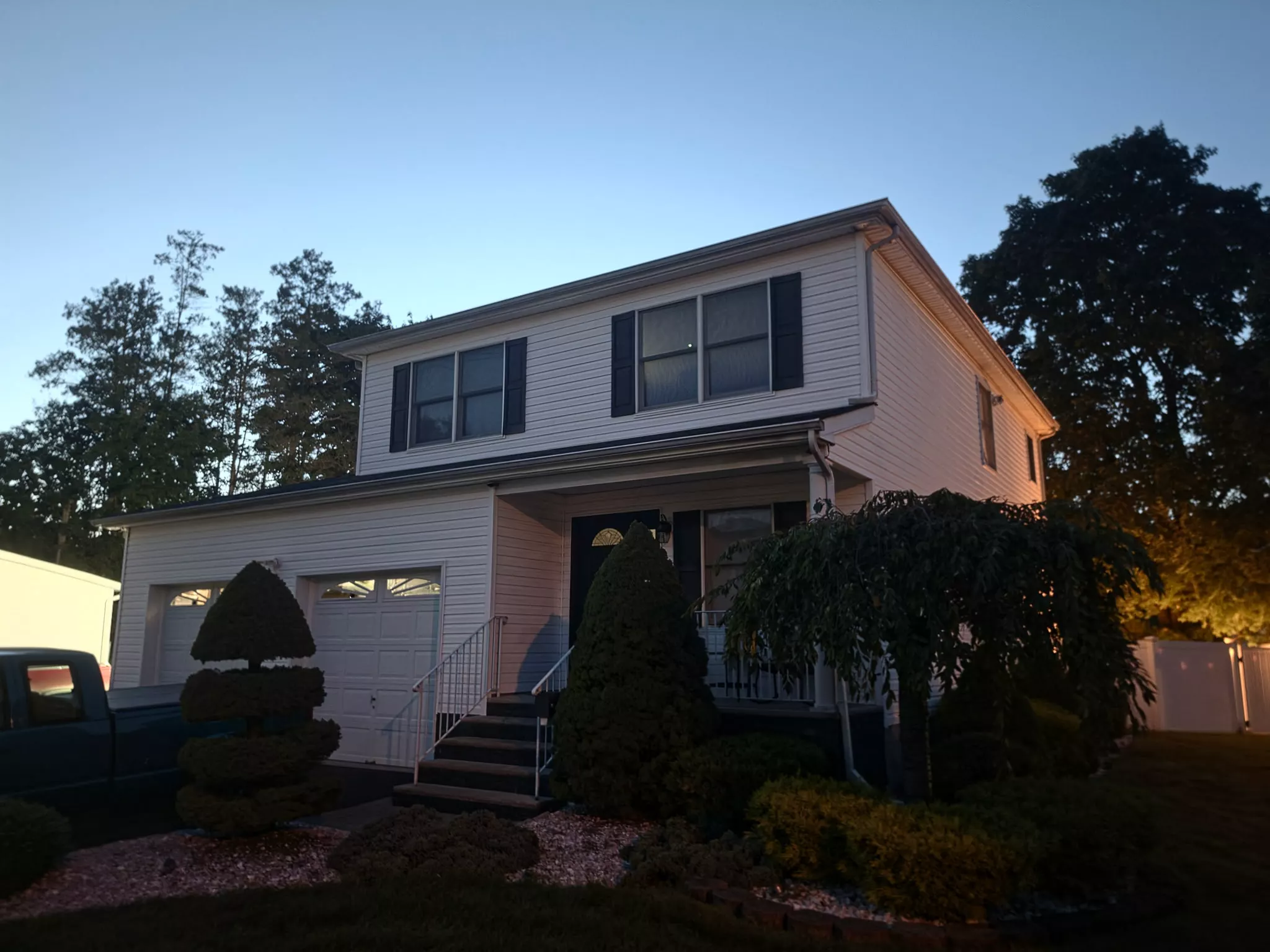
A warm, familiar welcome at the end of the day.
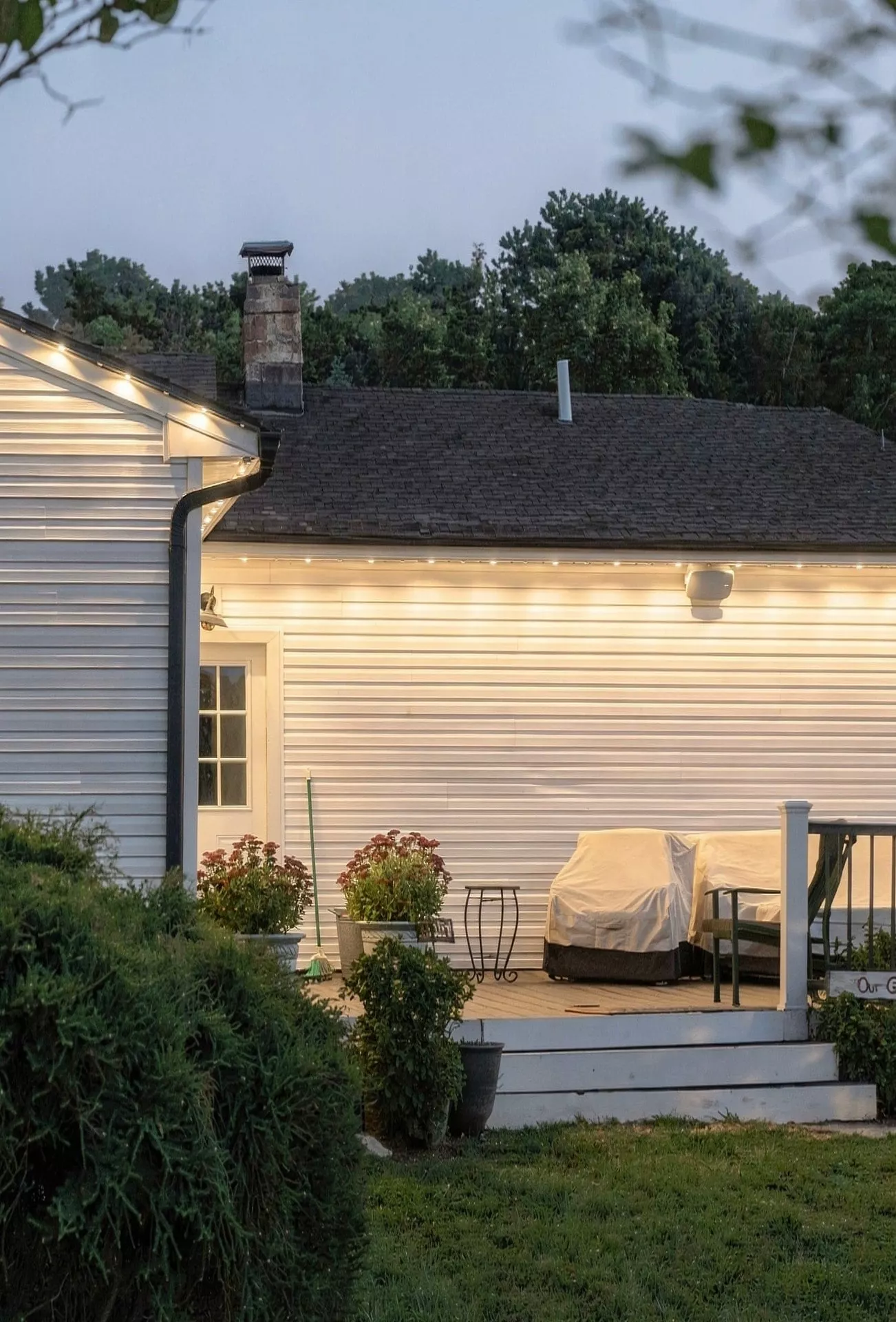
A more inviting setting for evenings on the patio or in the backyard.
Holiday colors and special-occasion lighting without the yearly setup and removal.
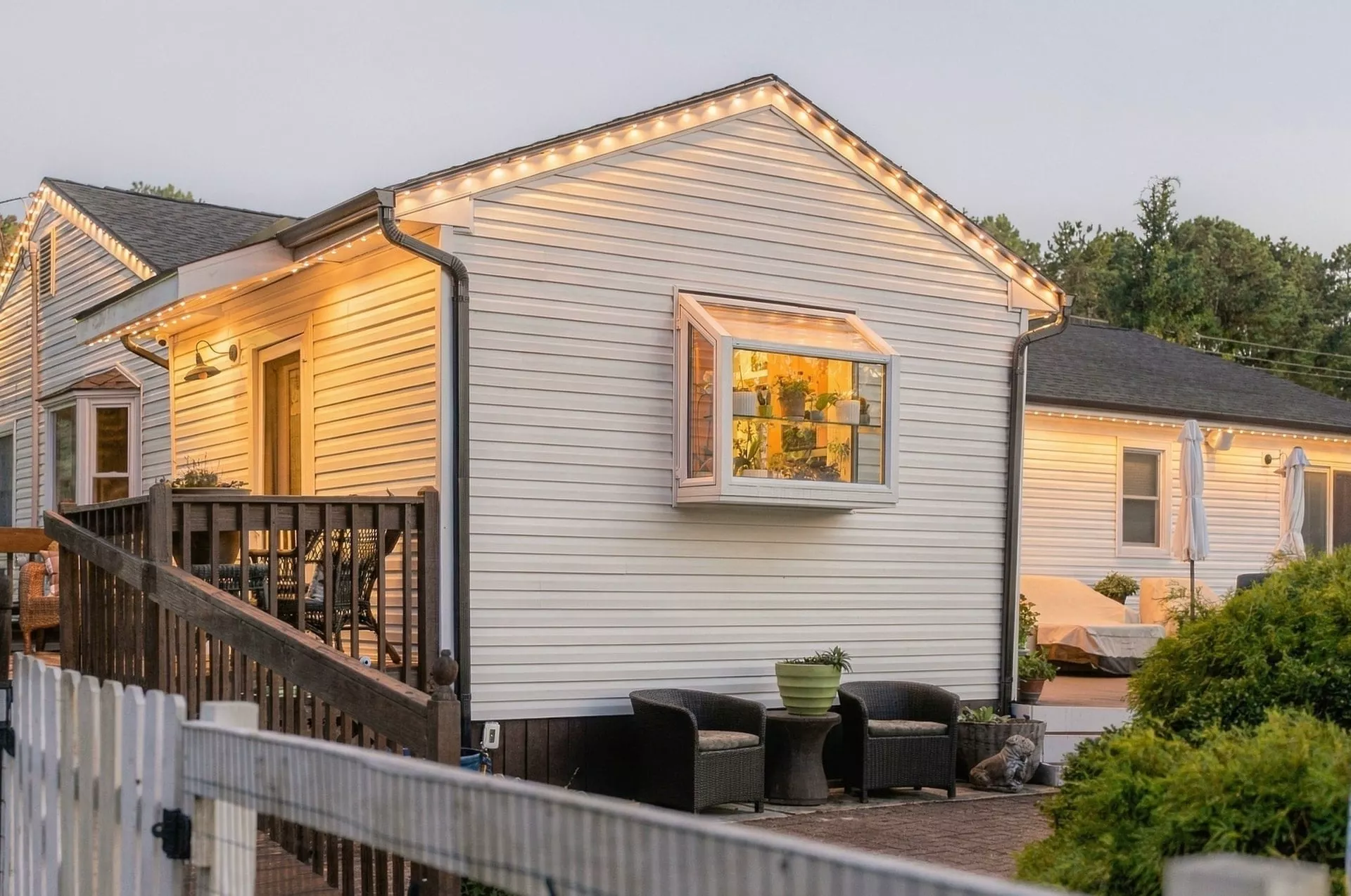
An architectural detail that feels like it has always belonged.
One permanent system. A home that feels right in every season.